
Create an API token
Your API token connects an integration to your organization’s data. Create and manage it in your IRIS Cloud account.
Create a token in IRIS Cloud#
Sign in to IRIS Cloud
Use your existing account in the environment you want to connect to.
Open User Account
Find the IRIS Cloud API Tokens section. Open User Account in IRIS Cloud ↗
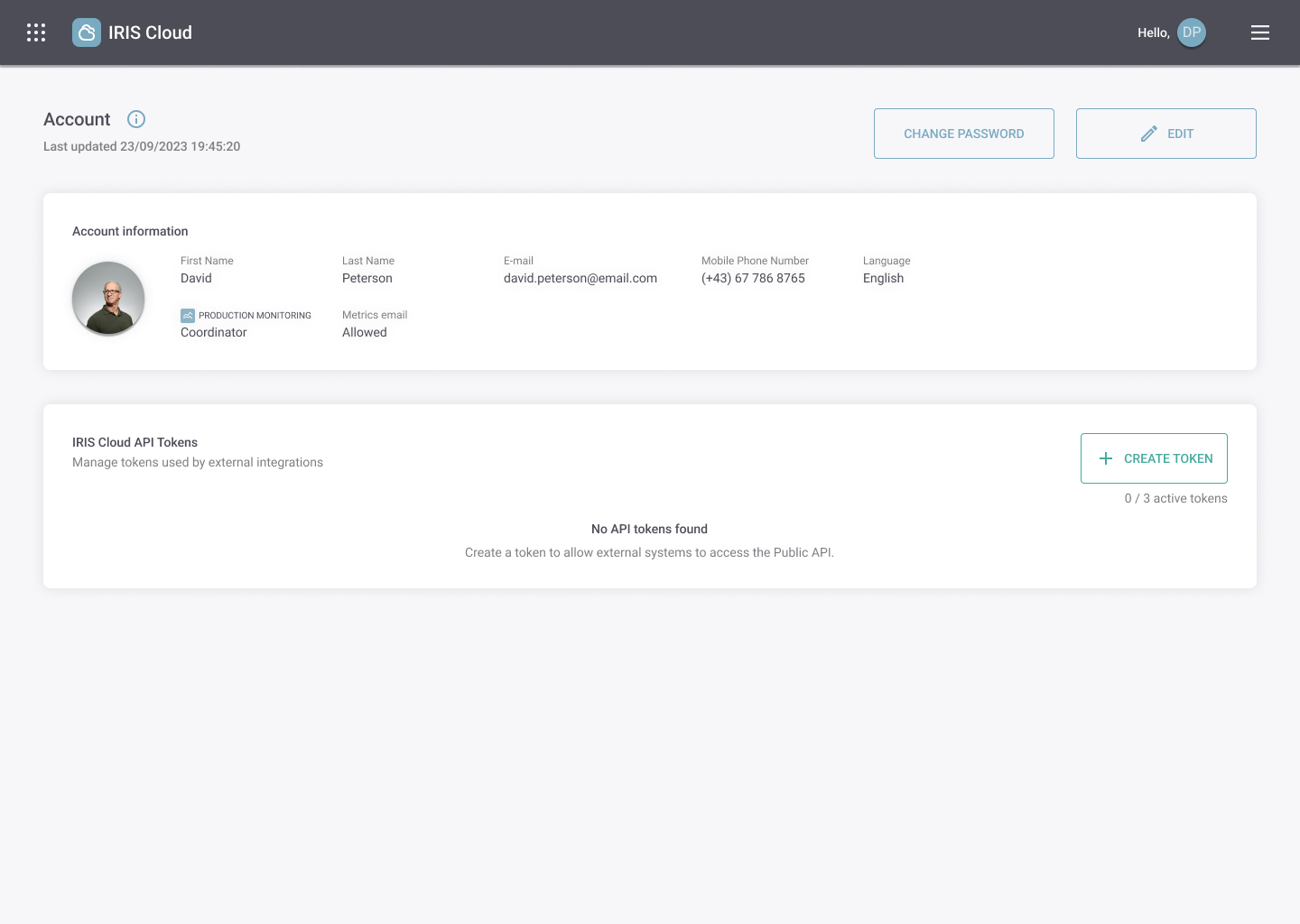
IRIS Cloud account with no API tokens. Open image at full size ↗ Select Create Token
Give the token a recognizable, unique name such as Production integration. Optionally add a description to identify the system that will use it.
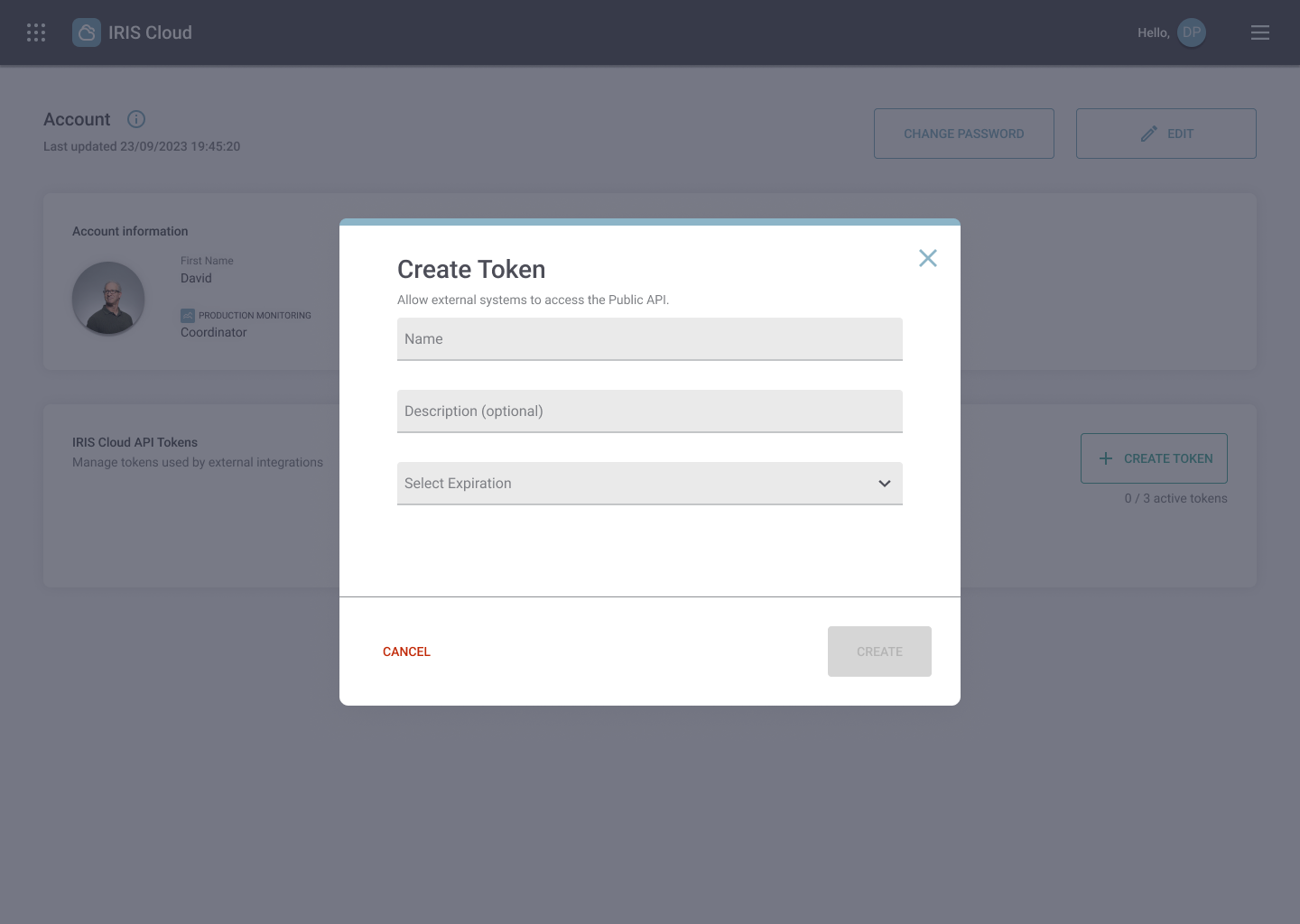
Create Token dialog with name, optional description and expiration fields. Open image at full size ↗ Choose an expiration and create
Select 30, 90, 180 or 365 days, or Never. Click Create to generate the token.
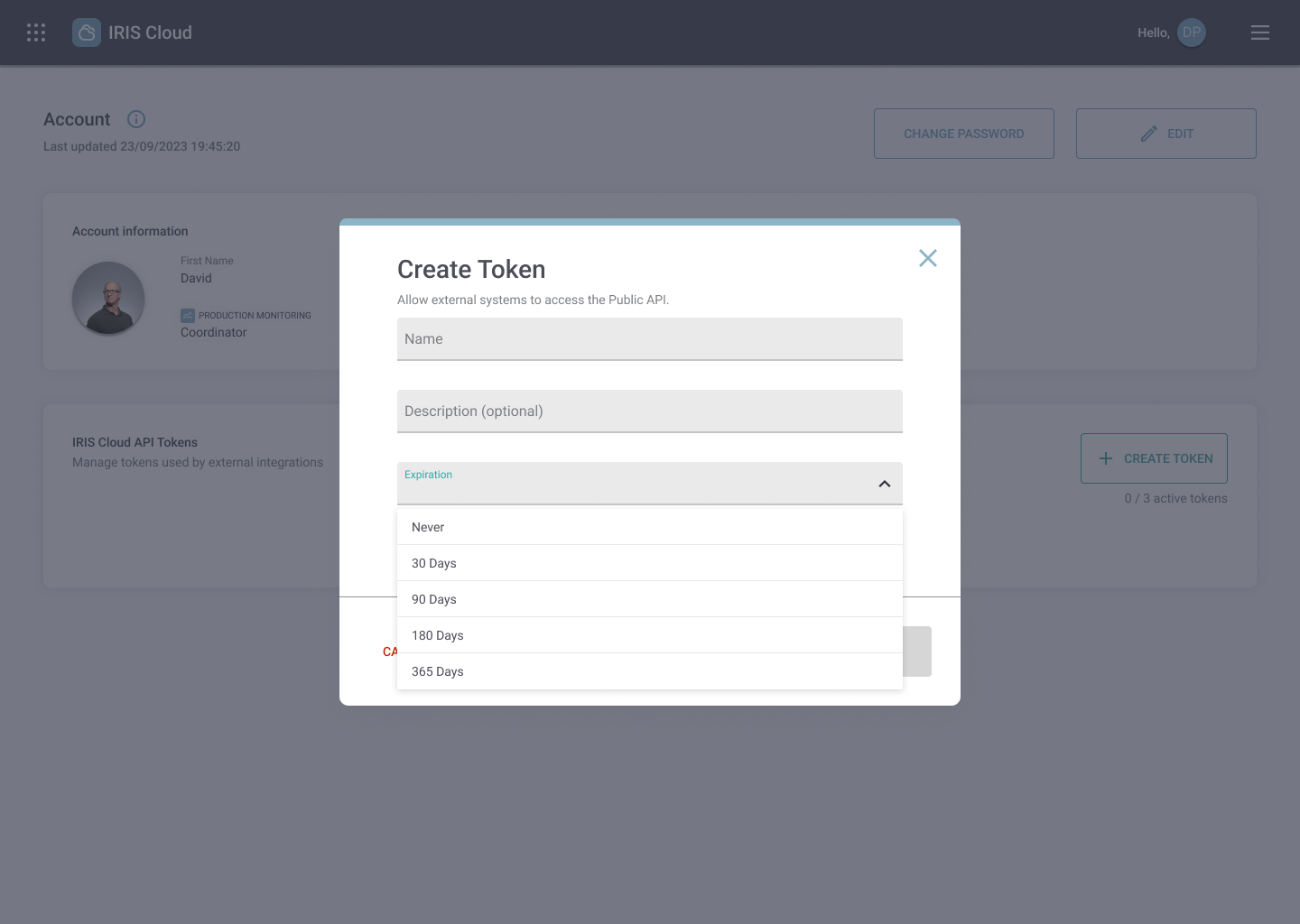
Expiration options: Never, 30, 90, 180 or 365 days. Open image at full size ↗ 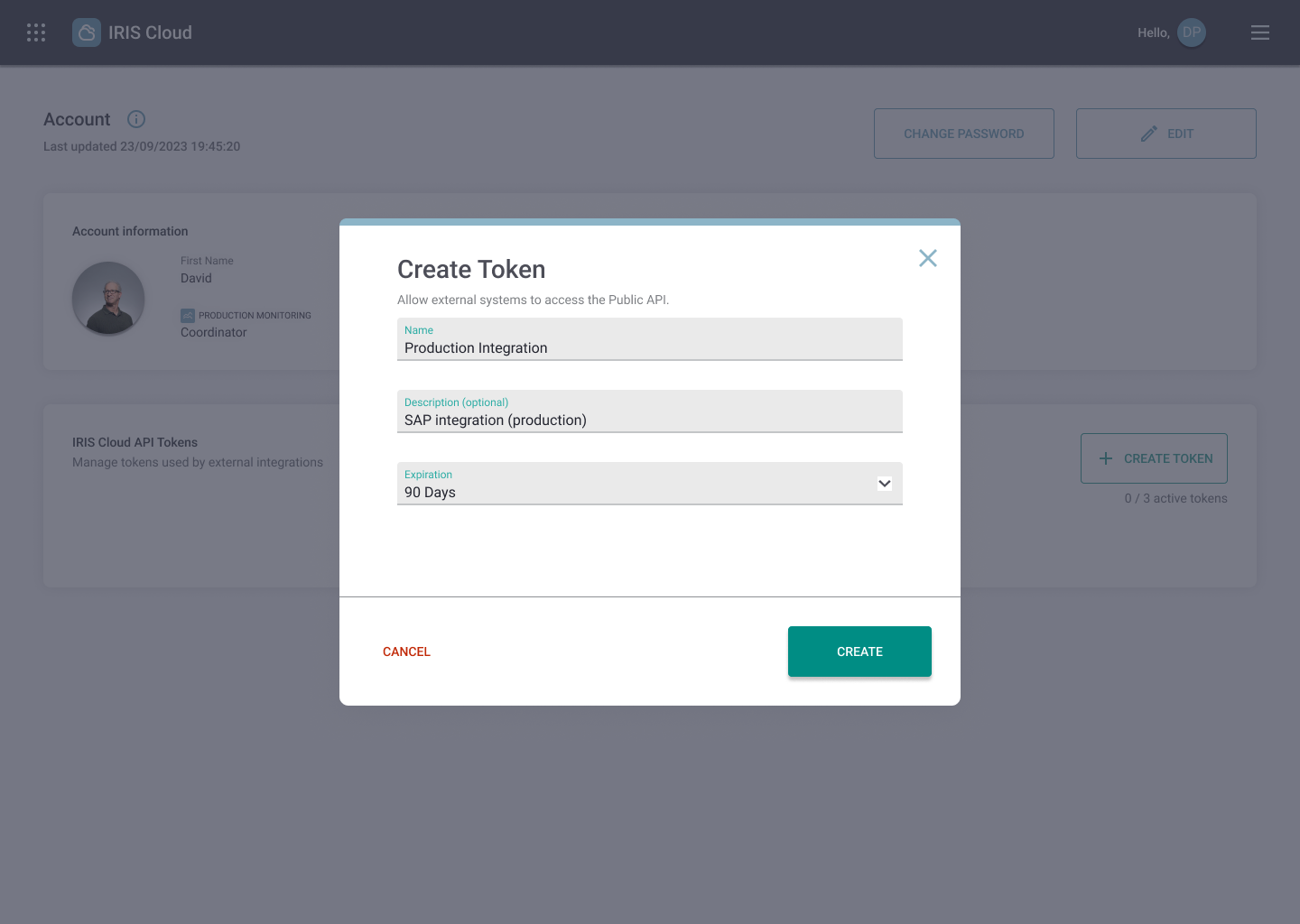
Completed form, ready to create the token. Open image at full size ↗
Copy it before you close#
In Token Created, select Copy Token and store it in your integration’s secret manager or protected environment configuration.
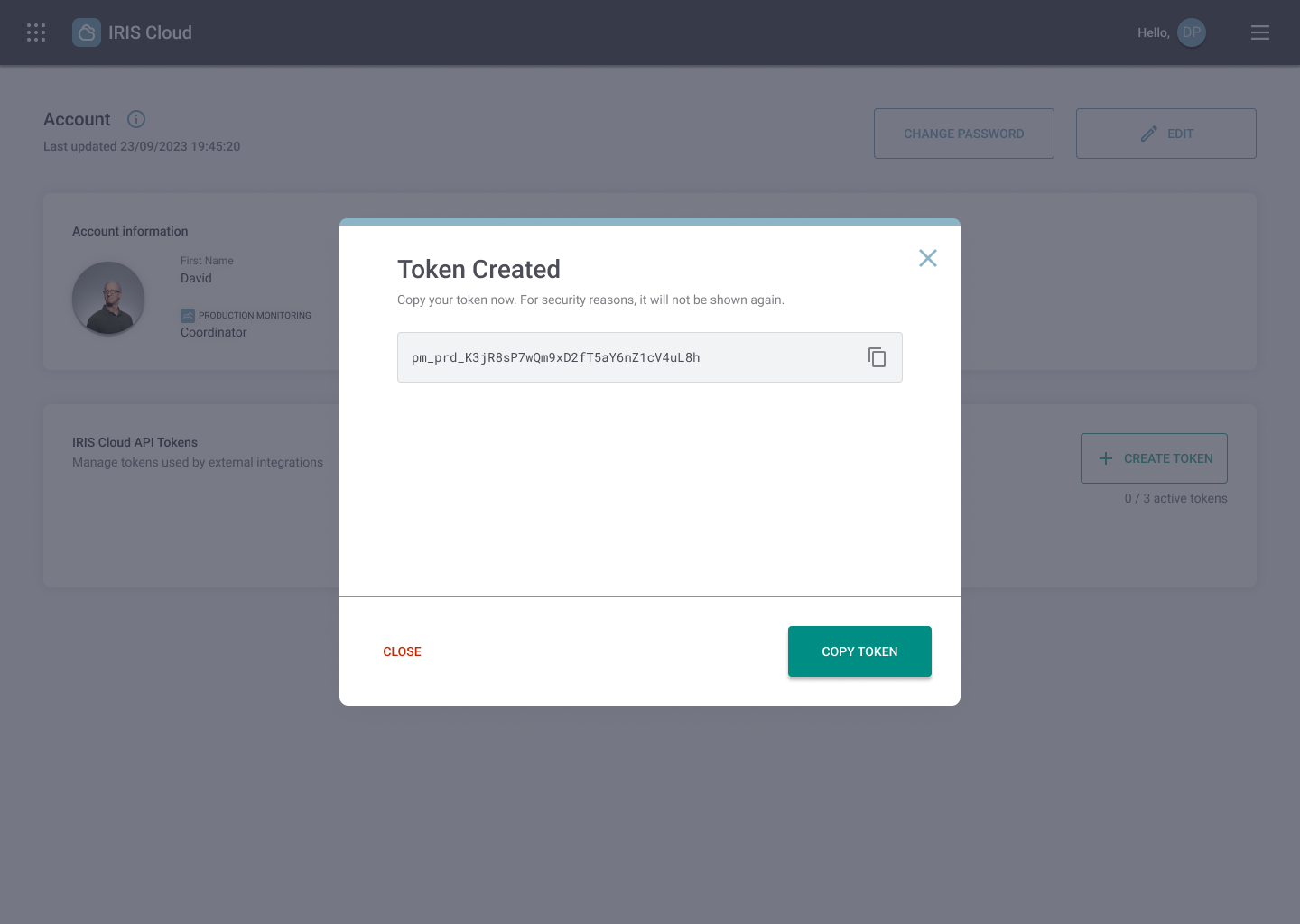
Use your token in the quickstart or paste it into Authorize in the API reference.
Manage your tokens#
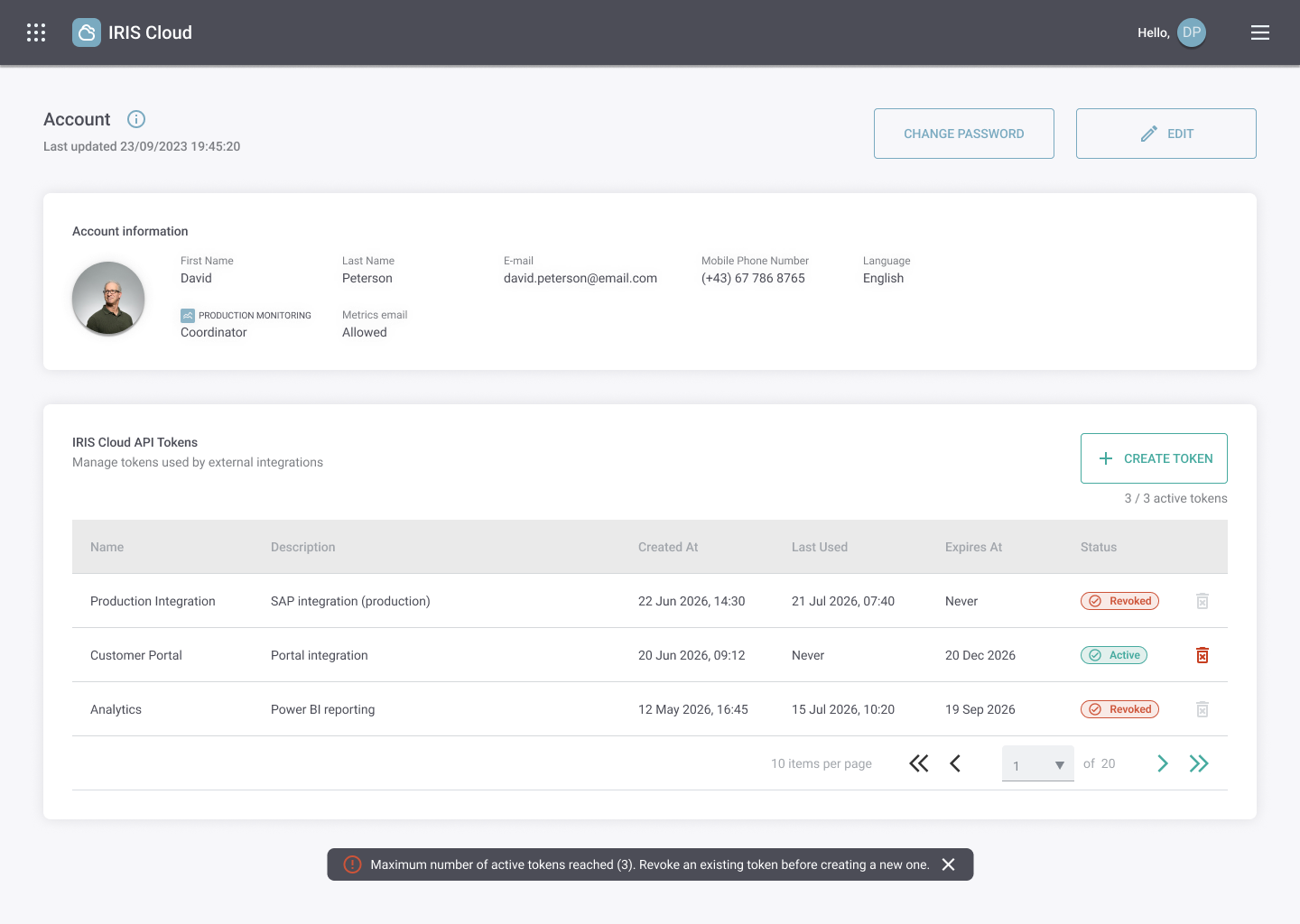
The account table shows each token’s name, description, creation time, last use, expiration and status. Your organization can have up to three active tokens.
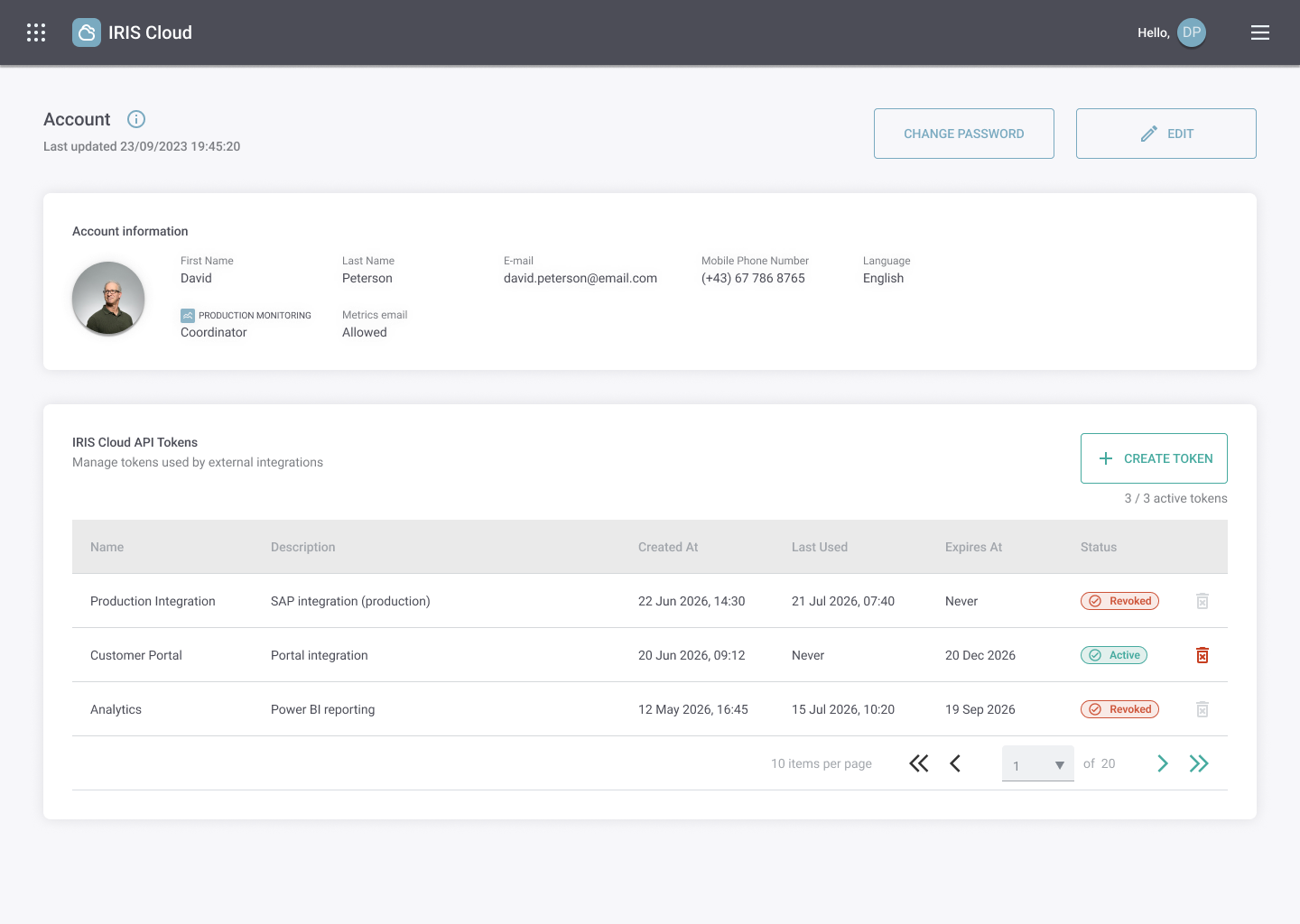
If the limit is reached, review your integrations and revoke a token that is no longer needed before creating another. A token with an expiration date stops working when it expires.
Revoke or replace a token#
In the API Tokens table, select the revoke action for the token, review the confirmation and choose Revoke Token. Revocation cannot be undone, and integrations using that token will stop working.
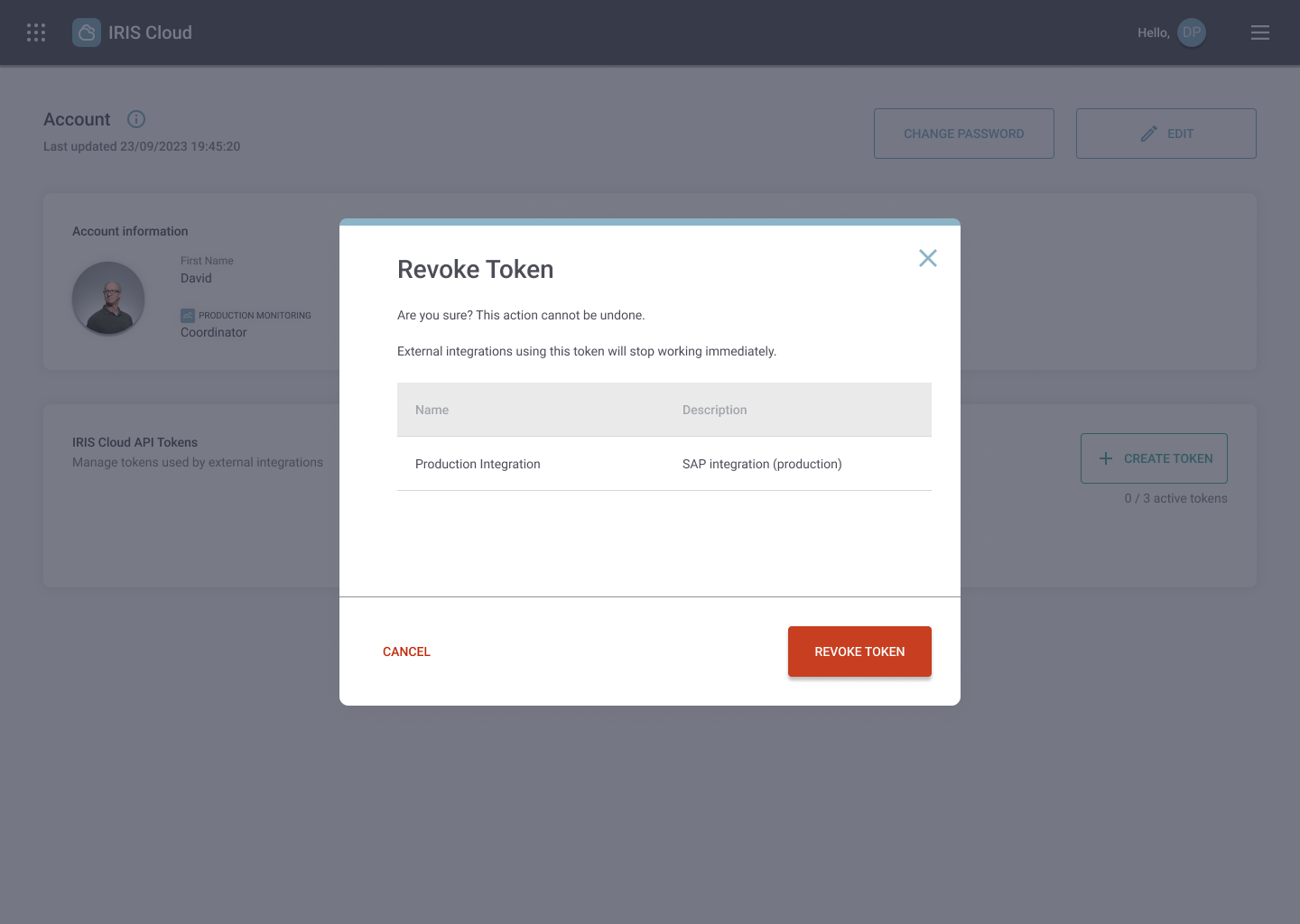
When replacing a token, create the replacement first if an active slot is available. Update and verify the integration, then revoke the old token. If all slots are occupied, plan the replacement before revoking a token still in use.